Portal Knowledge Base
How do I submit a name change request in my BACB portal account?
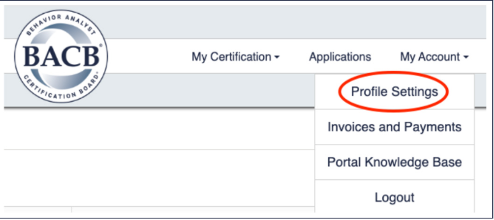
- Select My Account in the top right-hand corner of the menu, then click Profile Settings.
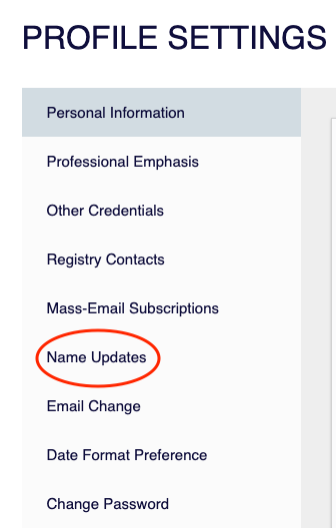
- On the left-hand side of the screen, select Name Updates.
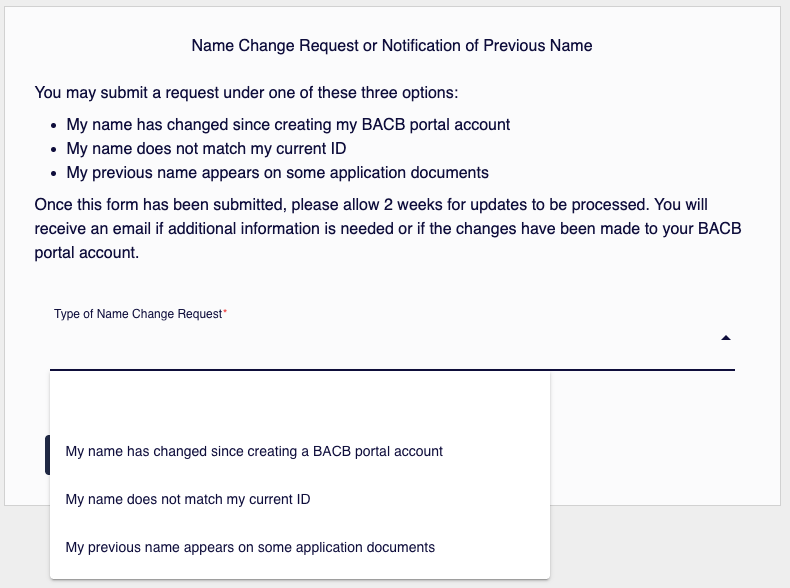
- Select the reason for your name change request and follow the instructions that appear for that option. Please note that a government-issued ID and/or court documents will be required with your submission.