Portal Knowledge Base
How do I change my address in my BACB portal account?
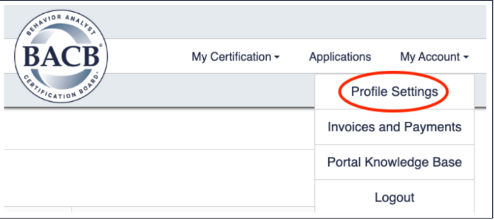
- Select My Account in the top right-hand corner of the menu, then click Profile Settings.
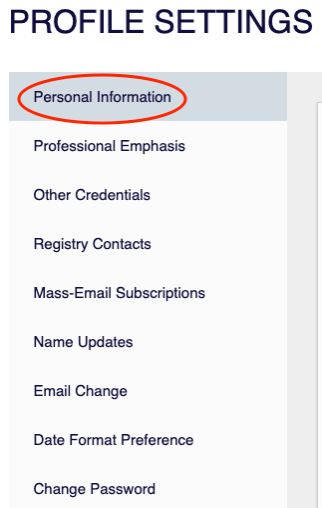
- On the left-hand side of the screen, select Personal Information.
- Select Edit on the Personal Details and Contact Information screen.
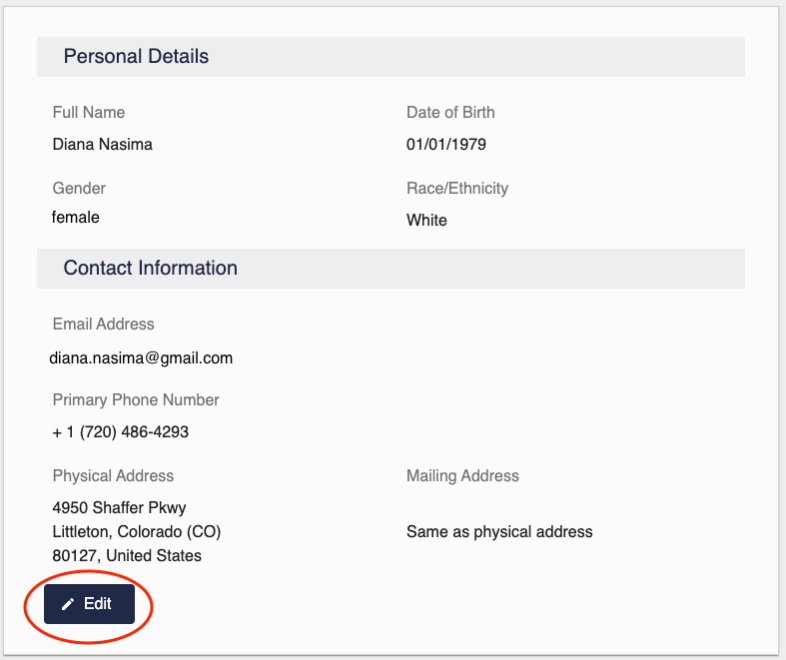
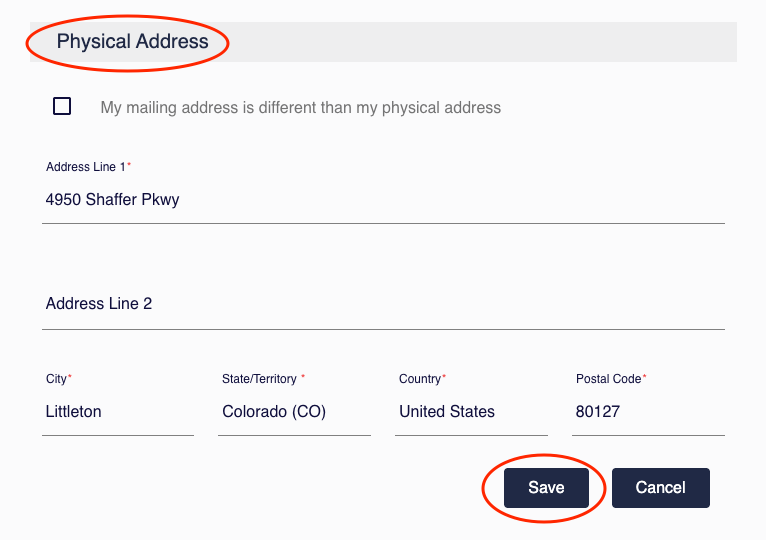
- Scroll down to Physical Address, enter your new address, and click Save.