Portal Knowledge Base
How do I apply for a retake examination?
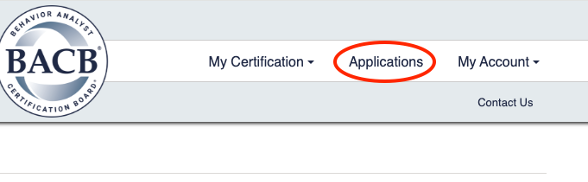
- From the main page of your BACB portal account, select Applications in the top-right corner of the page.
- Under your exam application, there will be an option to submit a Retake request.
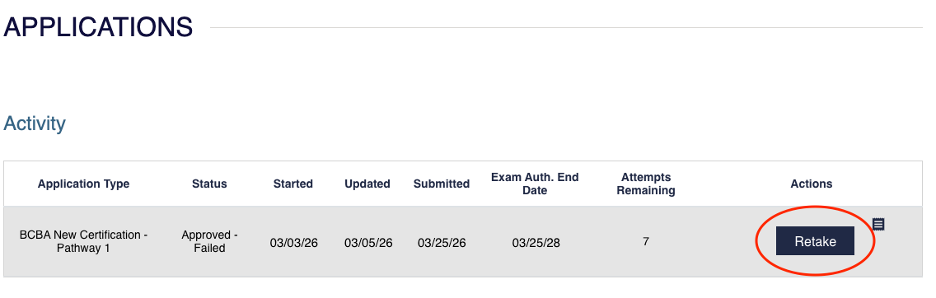
- Please note that this option will not be available if you are out of exam attempts, your authorization window expired, or you have taken the exam within the last 7 days.