Portal Knowledge Base
How do I submit a Pathway 2 Coursework Attestation?
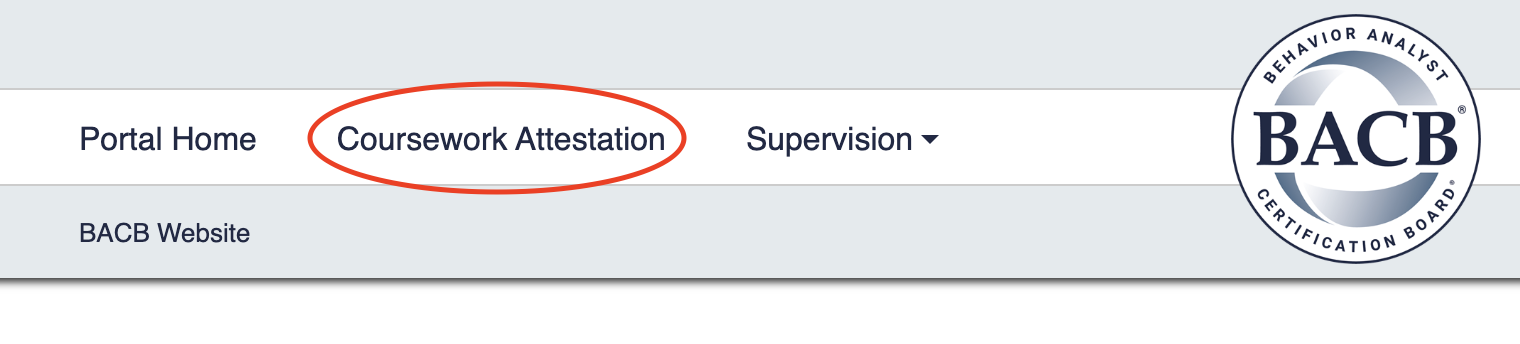
- From the main page of your BACB portal account, select Coursework Attestation in the top-left corner of the page.
- Have a BCBA or BCaBA Pathway 2 Coursework Attestation form completed and ready to submit.
- Answer the questions in the web form.
- Upload the completed Pathway 2 Coursework Attestation form when requested.
- Submit the web form.
- Once submitted, the web form will show under History and can be edited until it is used by the student in an application.

- For more detailed information, review the video above.