Portal Knowledge Base
How can I change my email address?
If you no longer have access to the email address associated with your BACB Portal account, use the Contact Us Form and select My BACB Account for help restoring access to your account.
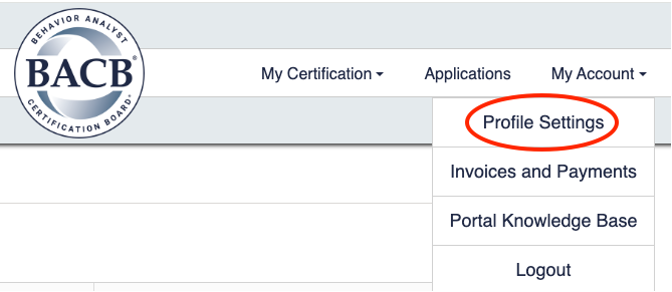
- Select My Account in the top-right corner of the menu, then click Profile Settings.
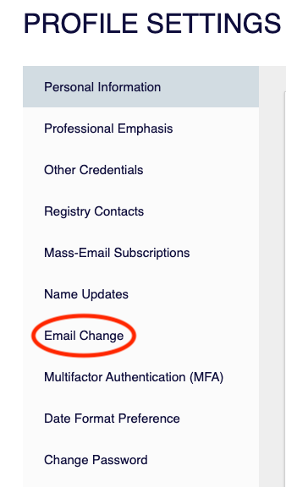
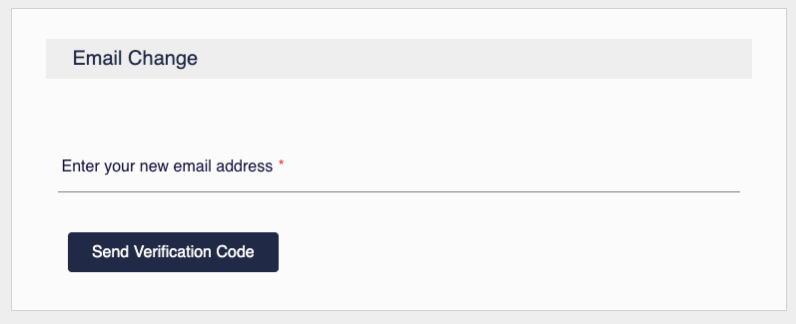
- On the left-hand side of the screen, click Email Change to update your email address.
- Enter your new email address, then select Send Verification Code.
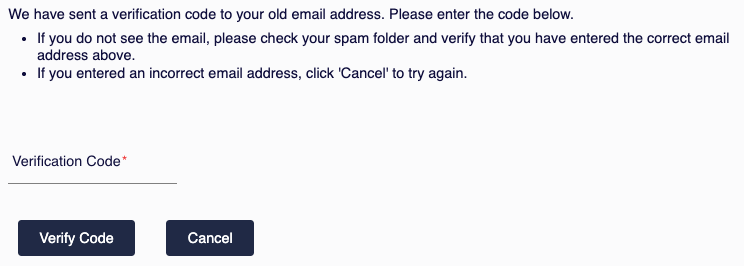
- Enter the verification code sent to your new email address, then select Verify Code.