Portal Knowledge Base
How can I pay an invoice?
- Immediately after submitting your application, you will have the option to pay by credit card or check.
- To pay an invoice from your portal account:
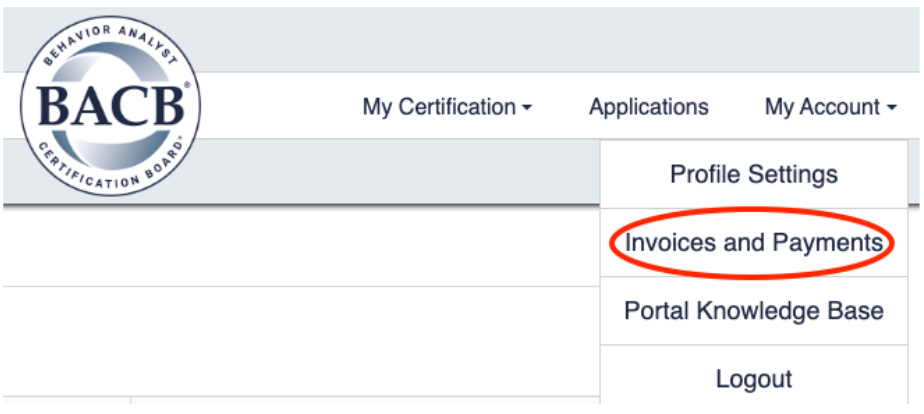
- Click My Account and select Invoices and Payments.
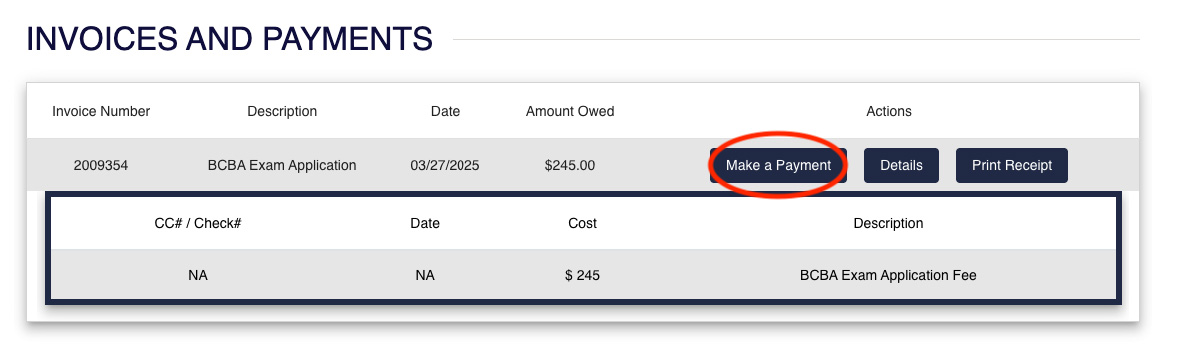
- Click Details to view the fee description and amount.

- Select Make a Payment.
- Choose your preferred payment method.
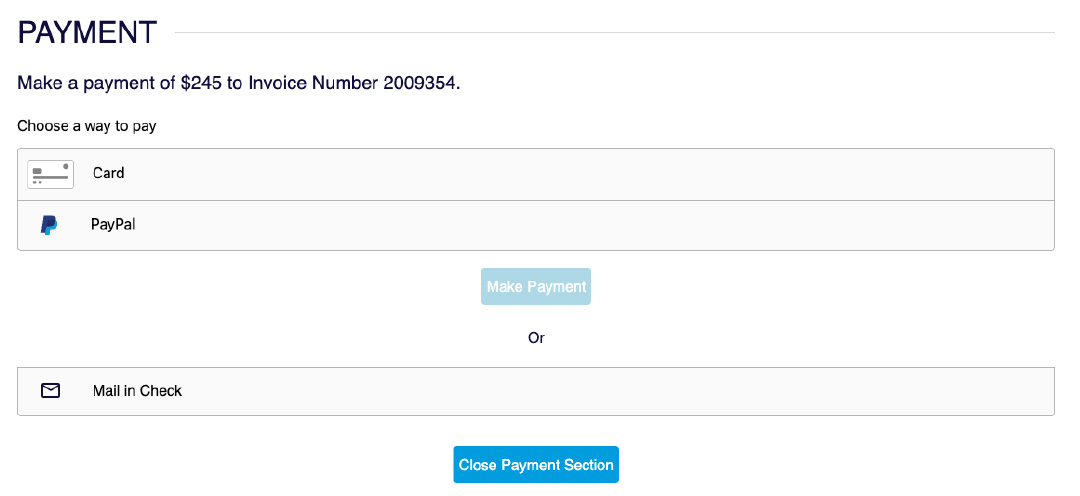
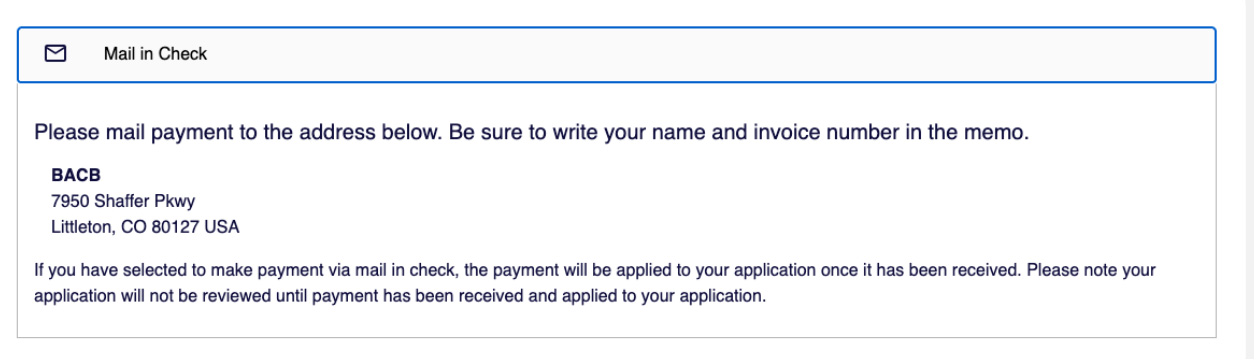
- If you choose Mail in Check, follow the instructions provided on where to send your check.