Portal Knowledge Base
Where can I find my certification information?
-
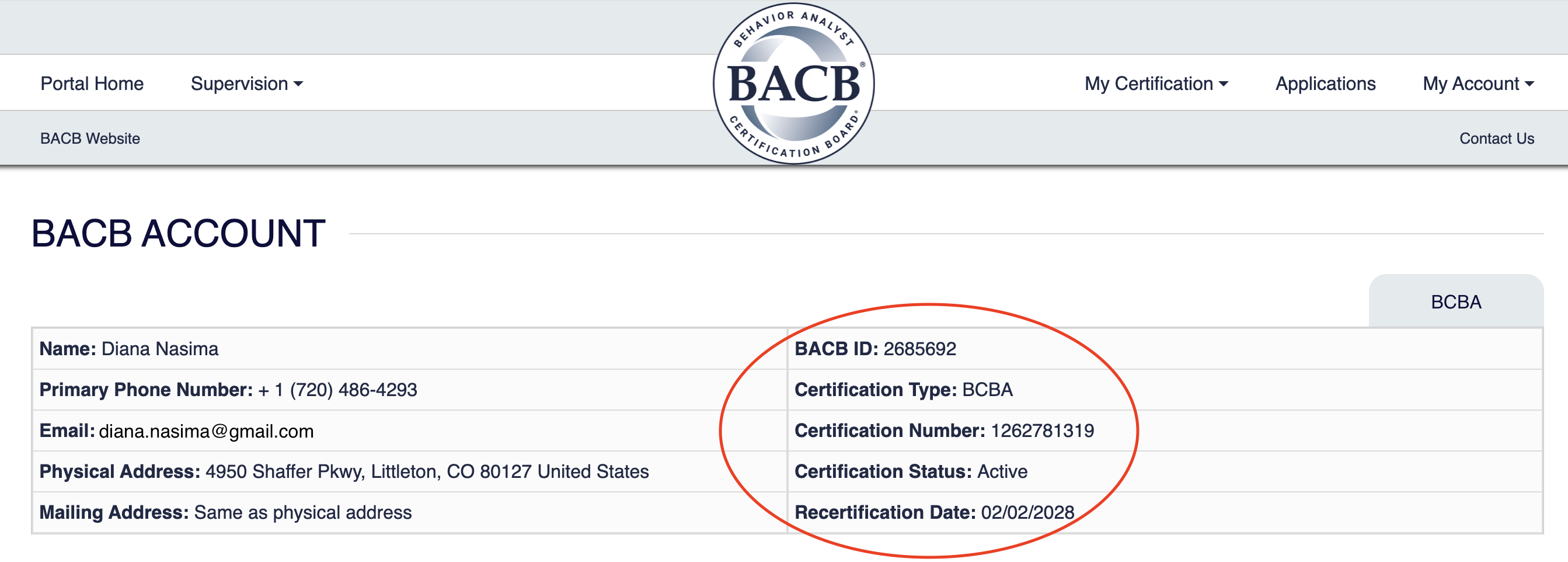
You can view your certification information in two places:
- On the main page of your BACB portal account, your certification details are displayed at the top right of the screen.
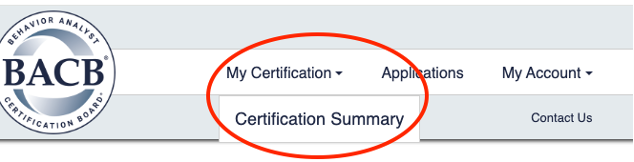
- For more detailed information about your certification, go to the menu, select My Certification, and then choose Certification Summary.
- In the Certification Summary section, you will see all the details related to your certification.
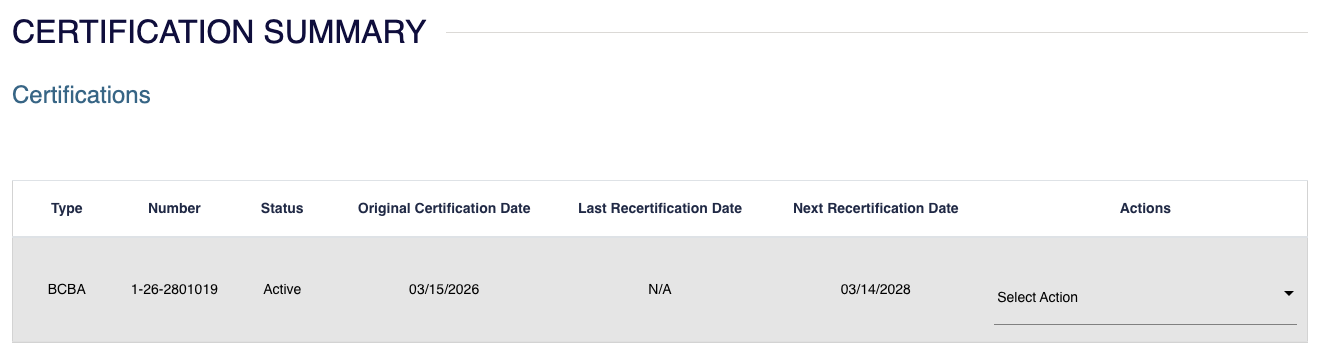
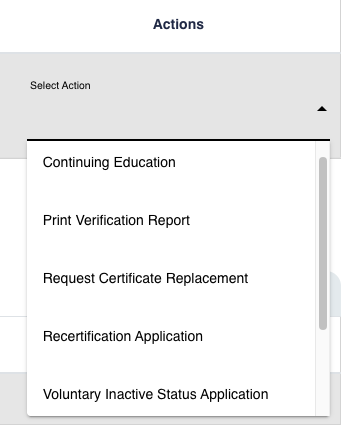
- You will also find several available actions related to your certification, such as printing a PDF verification letter, requesting a certificate replacement, or accessing voluntary inactive status applications.
- The History section displays actions you have taken related to your certification—for example, when you recertified, started a new recertification cycle, or placed your certification on voluntary inactive status.
