Portal Knowledge Base
How can I add an RBT or BCaBA supervisee to my BACB portal account?
-
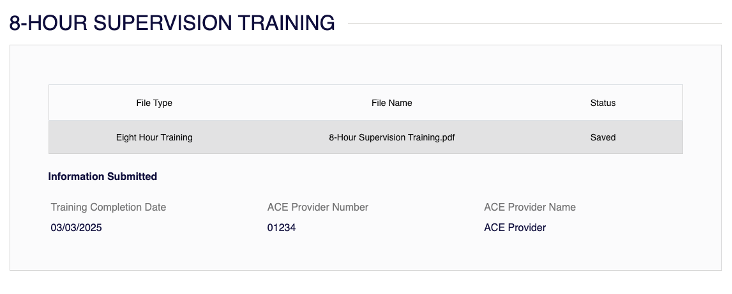
Make sure your 8-hour supervision training has been uploaded to your portal account. If you have already uploaded it, you can skip this step.
- Select 8-Hour Supervision Training from the Supervision menu.

- Verify your 8-hour supervision training has been uploaded to your portal account.
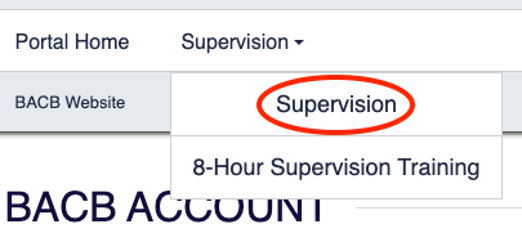
- If you are a qualified supervisor, go to the Supervision Information widget on the main page of your BACB portal account and select Manage Supervision.
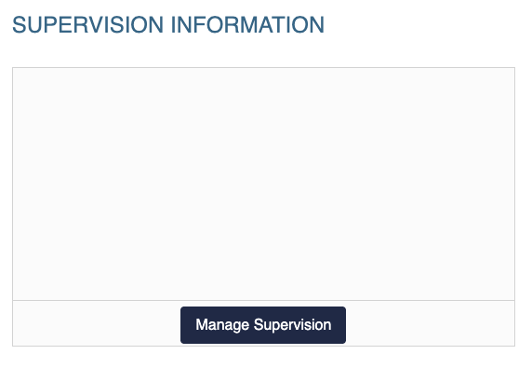
- You can also access this by selecting Supervision at the top of the screen.
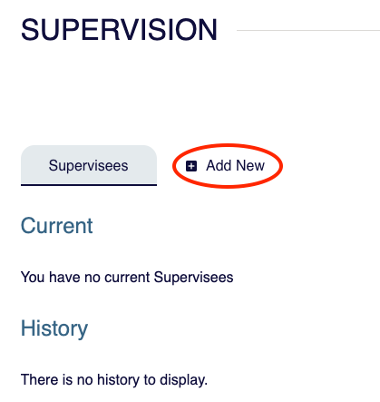
- Select Add New.
- Enter your supervisee’s information.
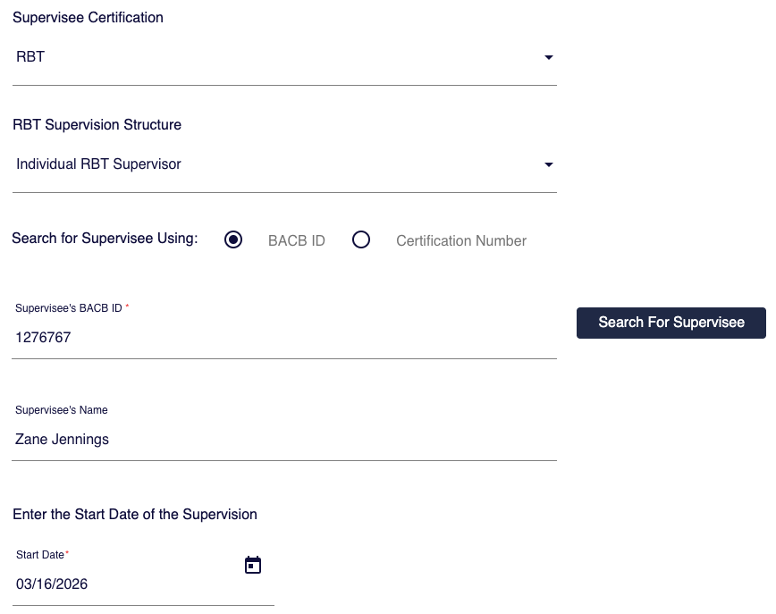
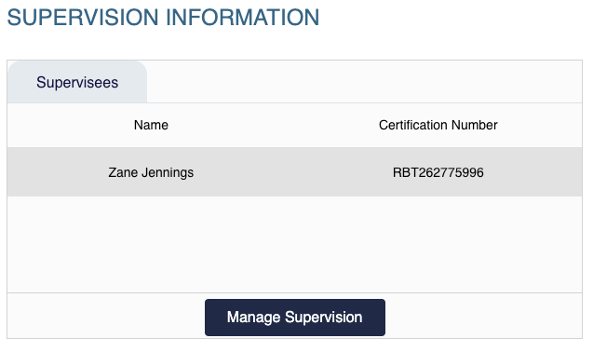
- Once added, your supervisee will appear in the Supervision Information widget on your BACB portal account and in the Supervision tab.