//Block search for knowledge base / portal
Due to unusually high traffic, the BACB Registry is unavailable until further notice. Thank you for your patience.
Updated BACB Accounts: BACB accounts have been updated. Please review the following resources to help you get started: Portal Transition Guide, Portal Knowledge Base, and our New BACB Portal Tutorial video.
Skip to main content
Print

Where is my supervisor’s information listed in my BACB portal account?

  • On the main page of your portal account, your supervisor’s information appears in the Supervision Information widget.
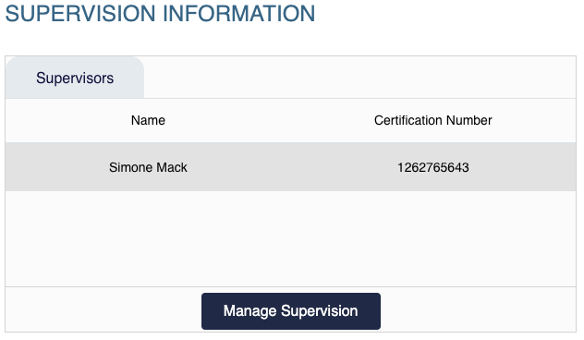
  • Supervision Information widget showing a supervisor name, certification number, and Manage Supervision button.
  • Select Manage Supervision for more details about your supervision relationship.
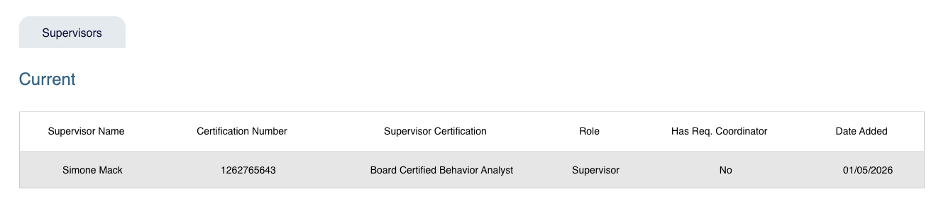
  • Supervision details page showing current supervisor information including certification number, role, and date added.