Portal Knowledge Base
How can I remove a supervisee from my BACB portal account?
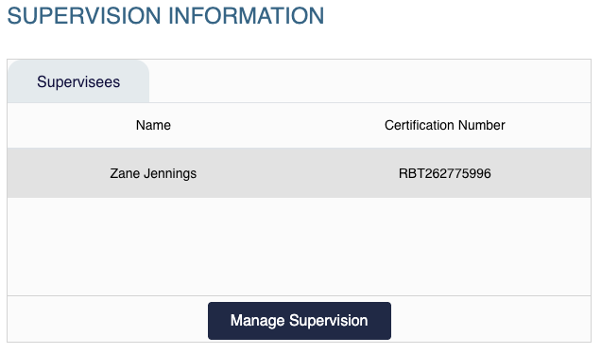
- Go to the Supervision Information widget on the main page of your portal account and select Manage Supervision.
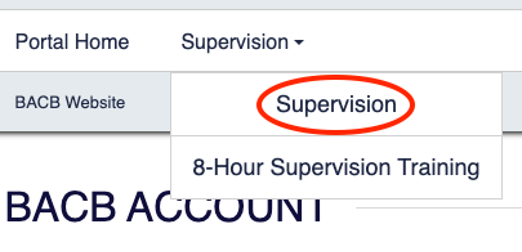
- Or select Supervision at the top of the screen.
- Select the trash can icon next to the supervisee you want to remove.
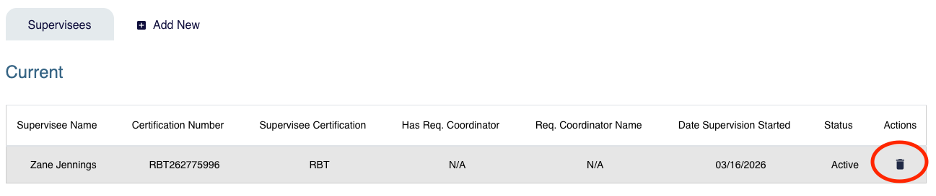
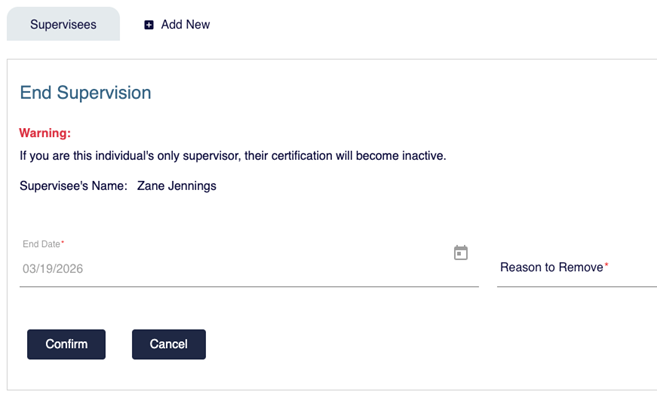
- Enter the supervision end date, select a reason from the drop-down menu, and click Confirm to complete the removal.
- Please note that the supervision end date cannot be backdated. The end date will reflect the date the change is entered.