//Block search for knowledge base / portal
Updated BACB Accounts: BACB accounts have been updated.
Please review the following resources to help you get started: Portal Transition Guide, Portal Knowledge Base, and our New BACB Portal Tutorial video.
Skip to main content
Print

How can I start a new application?

  • From the main page of your portal account, select Applications in the top-right corner of the page.
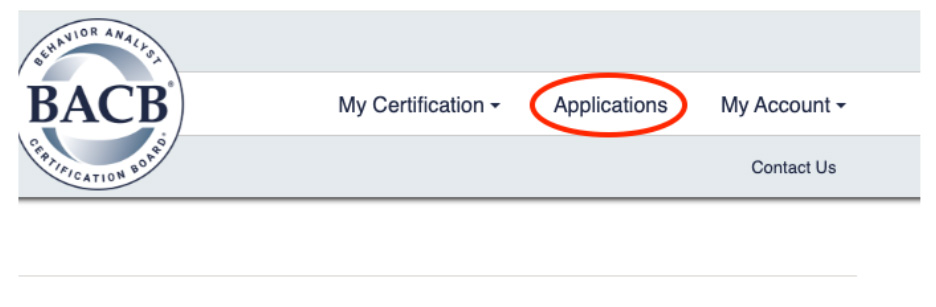
  • BACB account portal header showing navigation menu with “Applications” highlighted in the top-right.
  • All applications that you are eligible to apply for will appear on this page. For example, if you have an RBT certification, you will see the RBT Voluntary Inactive Application, the RBT Recertification Application, and applications for BCaBA and BCBA certification, as shown in the following image:
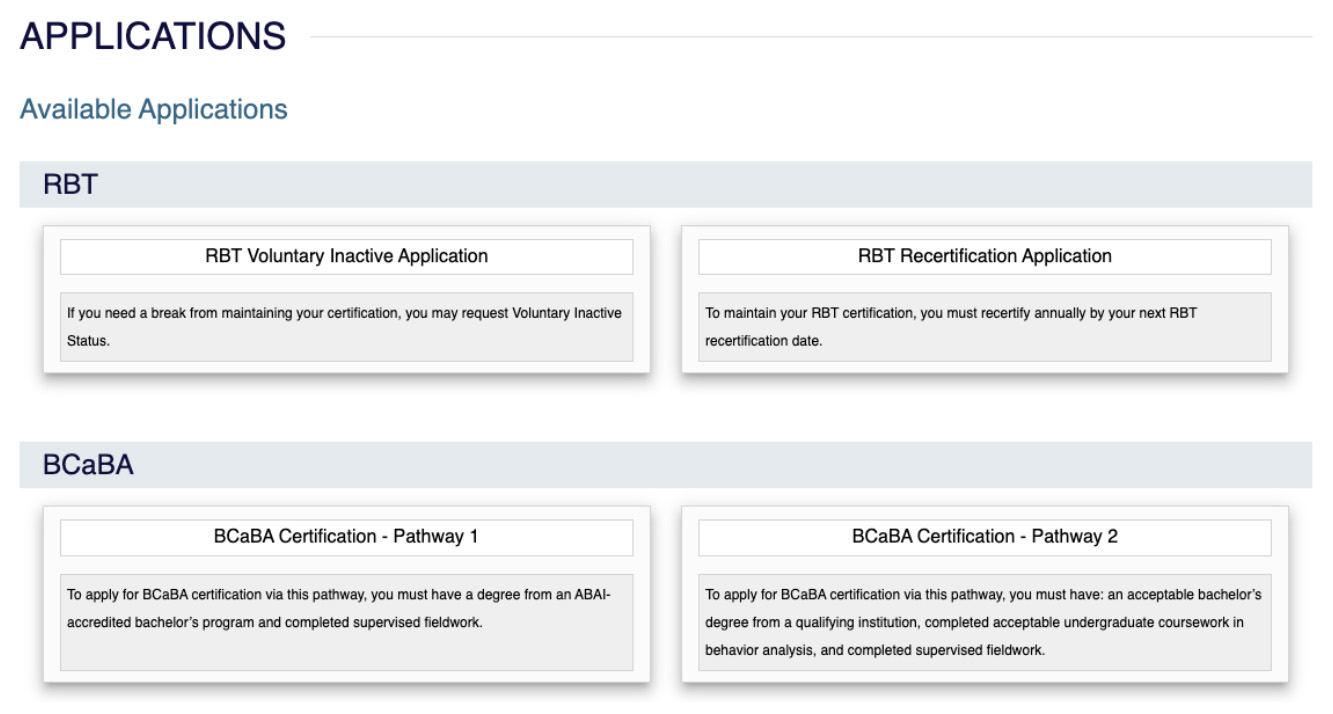
  • Applications page displaying available options, including RBT Voluntary Inactive Application, RBT Recertification Application, and BCaBA Certification pathways.
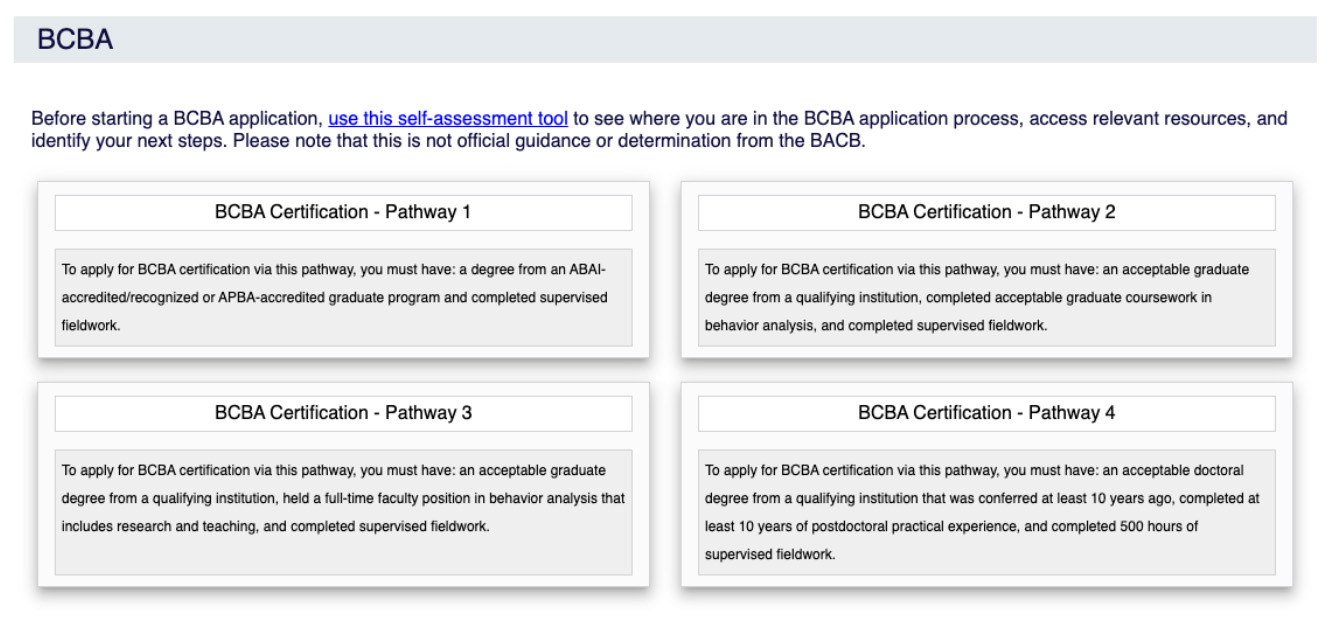
  • BCBA section of the Applications page showing four certification pathways with eligibility descriptions and a link to a self-assessment tool.
  • Select the application you want to complete.
  • Follow the step-by-step prompts to submit the application.